Adding linked procedures
In Premier, procedures can have procedures linked so that when a procedure is completed the linked procedures will be scheduled depending on the options selected.
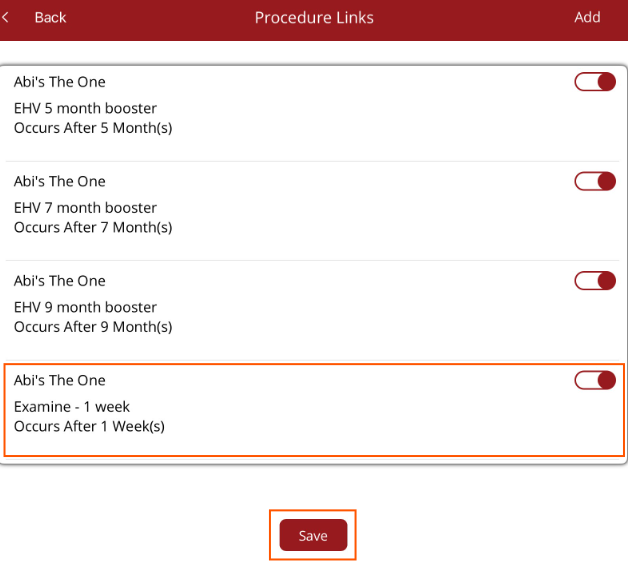
On the Add Procedure screen when Add Linked Procedures toggtle is turned on, once the procedure is completed and saved, the procedures that have been linked will be displayed.
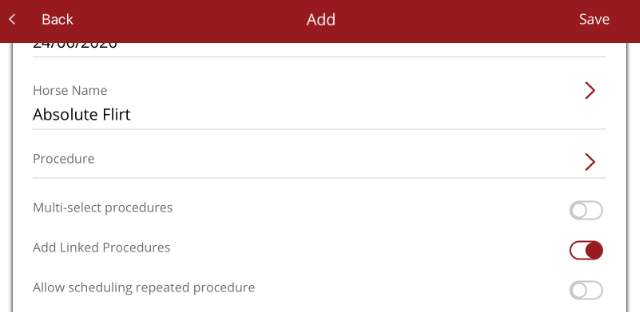
The procedures can be scheduled OR by unselecting the toggle, the procedure will not be added.
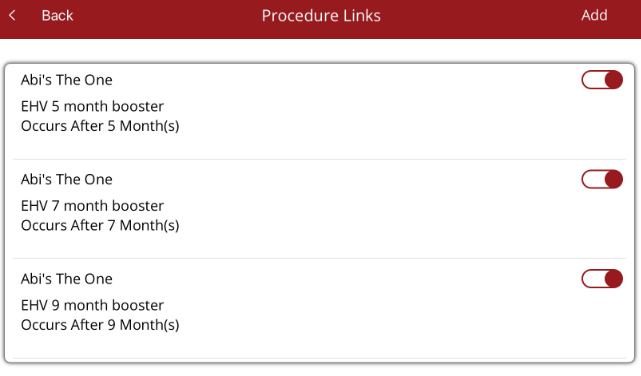
Additional procedures can be scheduled from this screen by selecting Add at the top right hand corner. Add the additional procedure, when it occurs, the duration and comments, if required, then Save the procedure.
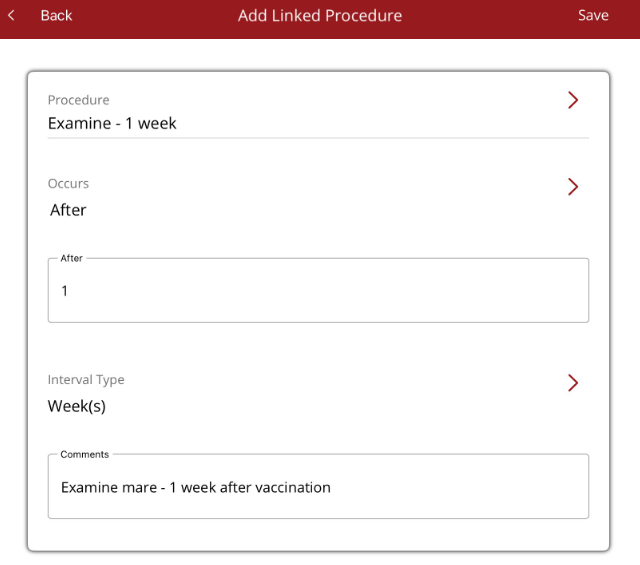
The additional scheduled procedure will appear in the list. Select Save at the bottom of the screen to return to the Add procedure screen.
Note - this is a one off addition to the linked procedures. It will not permanently be linked. If this procedure needs to be scheduled whenever the original procedure is selected, this will have to be done in Premier under Options/Settings/Procedures.
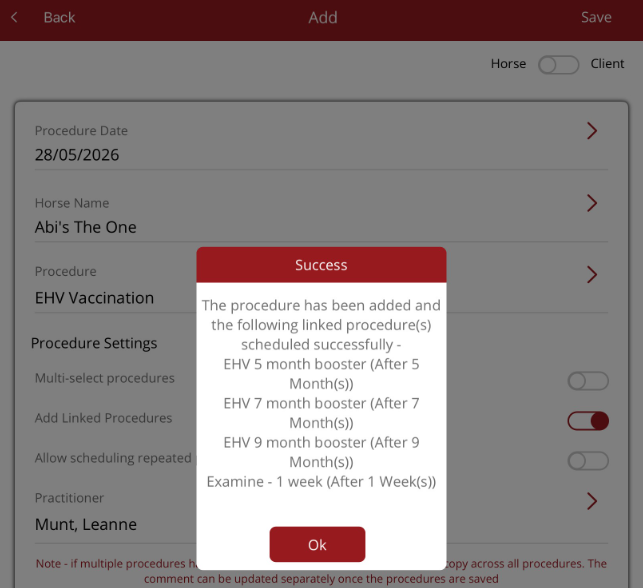
The Add procedure screen will have a message indicating the original procedure plus the linked procedures have been added.
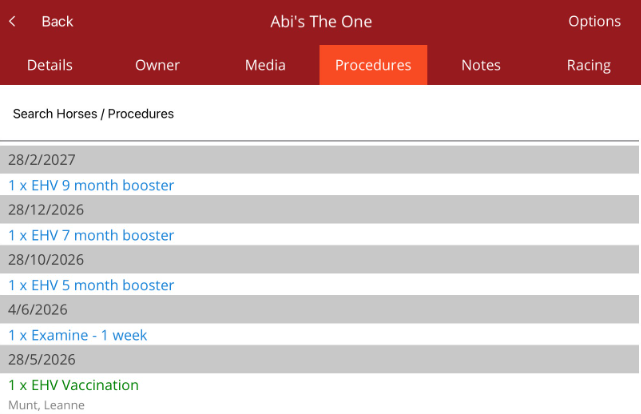
When you go to the Horse profile/Procedure tab, the completed procedure plus the scheduled procedures will be displayed.