Horse Voice Notes
Add a voice note for a horse with ability to save and email to owners
A voice note can be created for a horse from the Quick add menu on the bottom navigation menu. When selected the Add Voice Note screen is displayed.
If the Quick add - Voice Notes screen is opened when in a horse profile, the horse's name will automatically be populated in the horse name field.
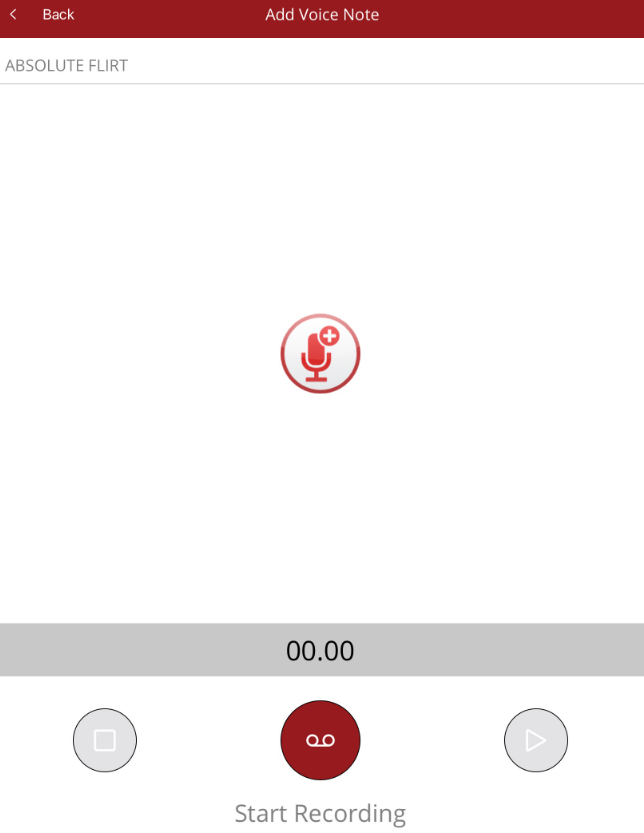
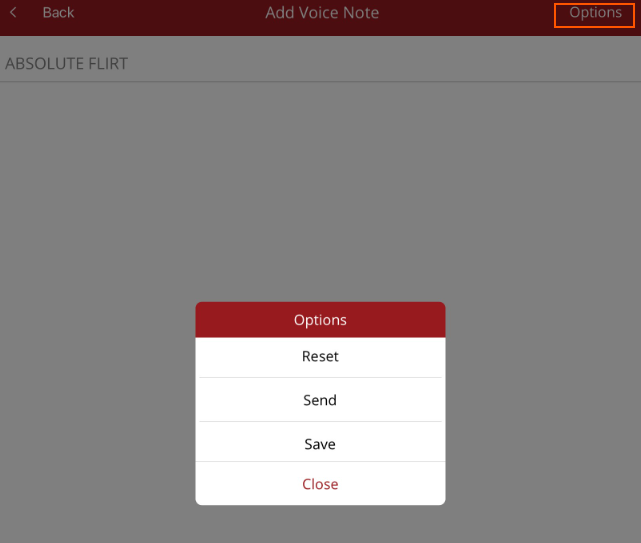
Once the recording has been done, the Options menu will appear in the top right hand corner.
Options are
- Reset - delete recording and start another
- Send - send immediately to owners and interested parties
- Save - save voice note. It can be sent and/or uploaded later under Media on the Home Page
Once finished you can select another horse or select <Back in the top right hand corner to exit.