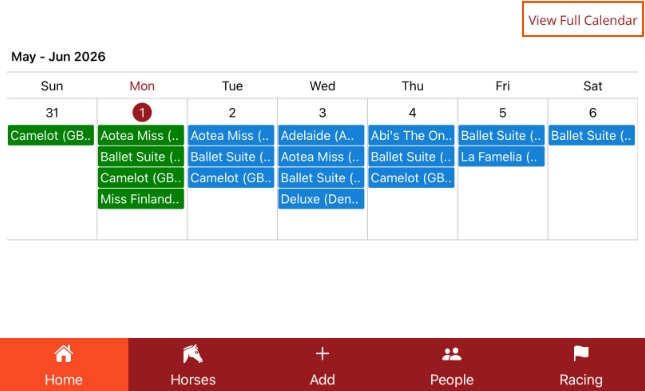
Home Page Calendar
Shows seven days of work that can be viewed in a list and edited
The Home Page Calendar will show seven days and all procedures added for those days. If a filter has been applied, it will also be applied to the Home Page Calendar.
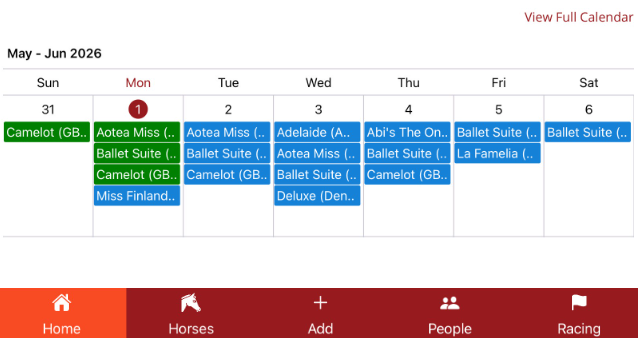
- Green with tick - approved procedure that is completed
- Green no tick - unapproved procedure that is completed
- Blue - procedure is scheduled
- Red - procedure has been cancelled
To view all procedures for one day, tap on the date and the procedures will be displayed in a list which can be scrolled through.
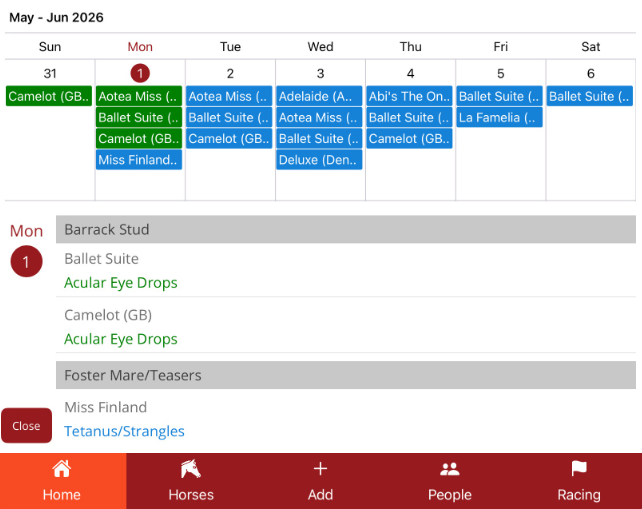
You can edit procedures from this list if they are unapproved, scheduled ot cancelled. Tap on the procedure to view the Update Procedure screen.
Close the list by clicking on the day or selecting Close at the bottom of the list.
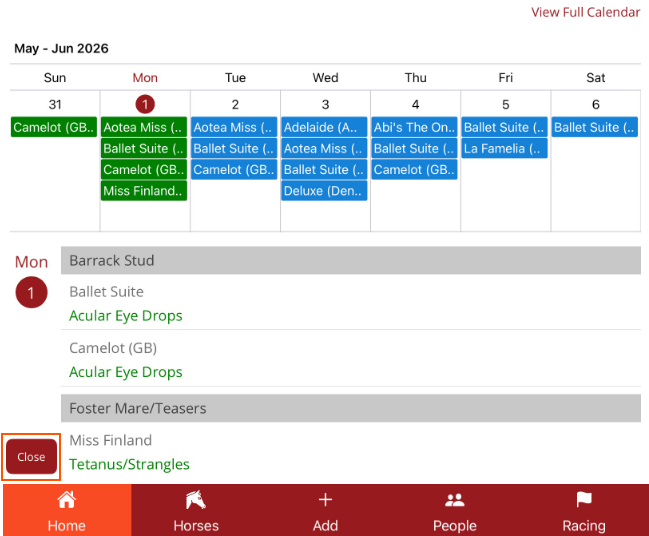
To view the full calendar go to View Full Calendar just above the Home Page Calendar section (right side of screen)