Shortlist Planner Options menu
Change the view, filter the list, view the shortlist report or set up procedures to be done before the mare is covered
The Shortlist Options menu, found in the top right-hand corner of the Shortlist Planner. From this menu you can change the stallion view, filter the list of mares, open the Shortlist Report, and choose which procedures are displayed on the shortlist for compliancy.
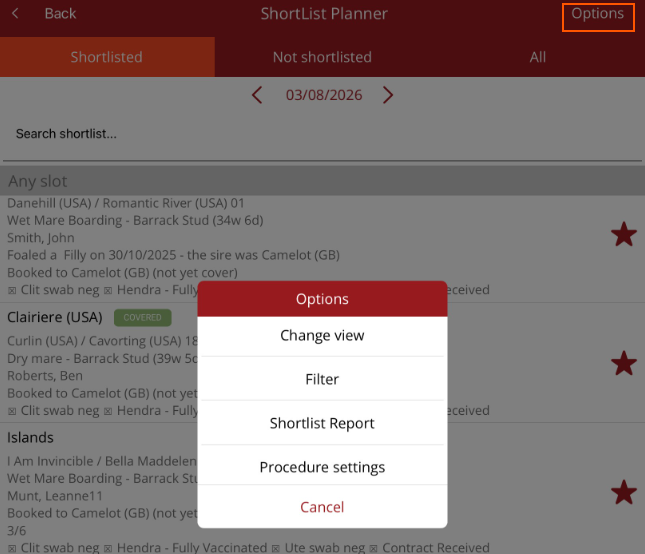
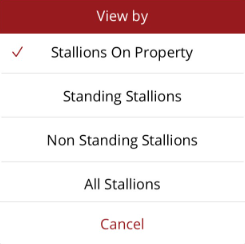
Change view
- Change the stallion view
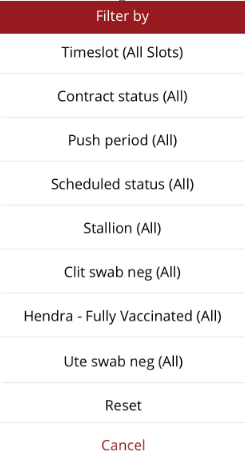
Filter
Select a filter to reduce the number of mares displayed on the list. Mares can be filtered by:
- Timeslot — show only mares in a particular covering timeslot.
- Contract status — show mares according to whether their contract has been received.
- Push period — show only mares marked for an AM or PM covering.
- Scheduled to be served — show mares according to whether they have been scheduled for a serve.
- Selected procedures — check the selected procedures to see whether they have been performed.
Filters are a quick way to focus the planner on exactly the mares you need — for example, all mares whose contracts are still outstanding.
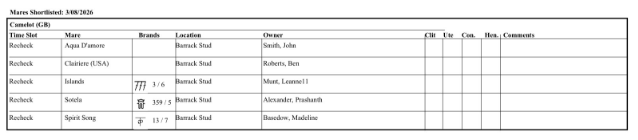
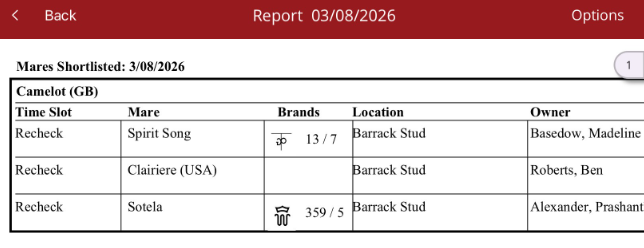
Shortlist Report
- View a summary of all mares shortlisted today, the status of required procedures and if the contract has been received. Change the zoom on the report by using two fingers to expand and shrink the view.
Procedure Settings
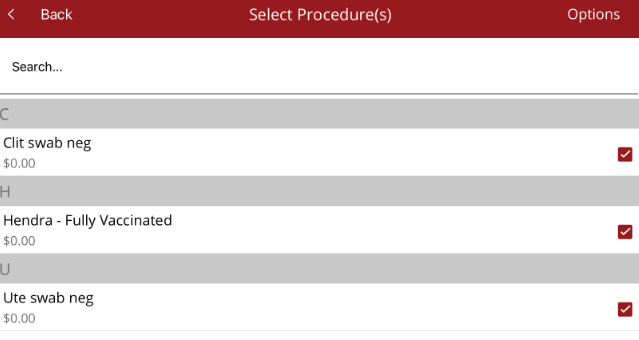
- Select the procedures that are displayed on the shortlist so you can assess if a mare is ready to be served.
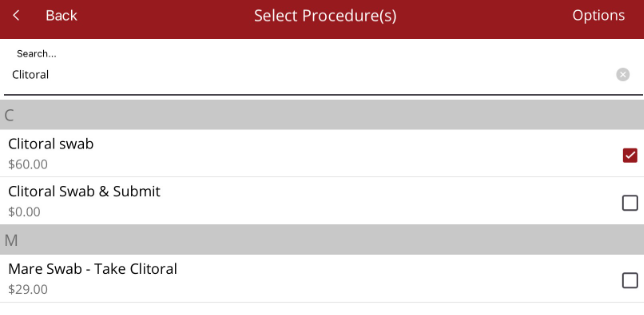
- Select the procedure type then search for the procedure you want to add to the shortlist planner or from the Options menu on the top right hand corner you can
- Show selected Procedures - see procedures that have already been chosen to appear on the shortlist
- Show unselected procedures then search for the required procedure to be added.
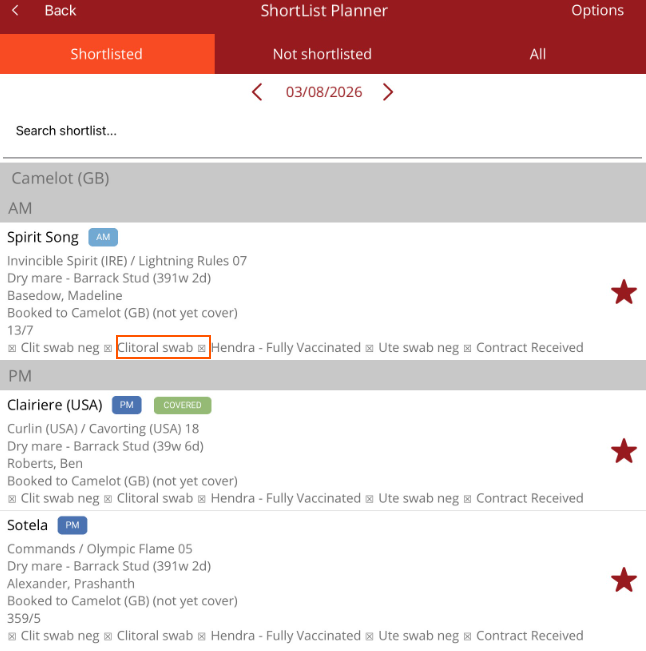
- Select <Back and the selected procedure will be displayed on the list
Tips
- Review the Shortlist Report before serving begins each day — it brings the day's mares, procedure status and contract status together in one view.
- If a mare's compliance ticks look incomplete, check Procedure Settings first — only the procedures selected there are displayed on the shortlist.
- Filters apply to the list you are viewing; clear the filter to return to the full list of mares.