Person Notes
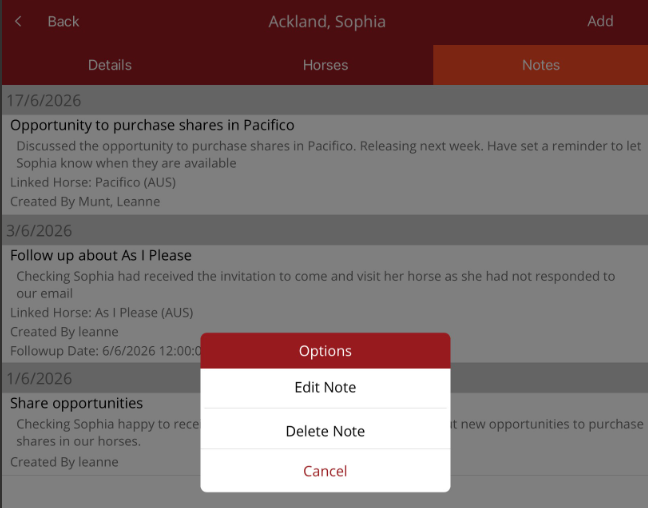
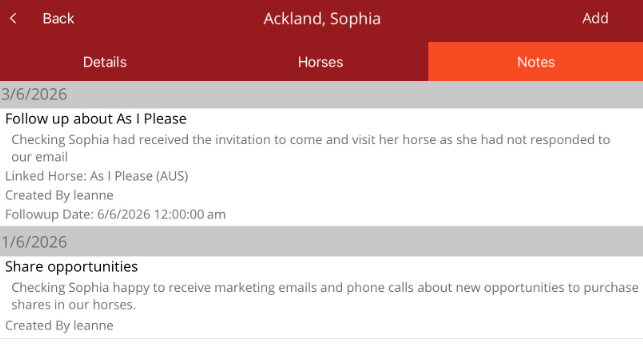
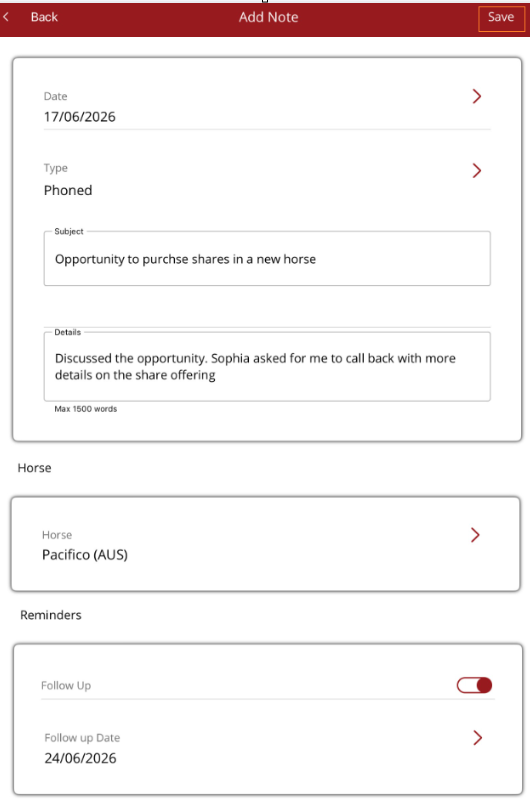
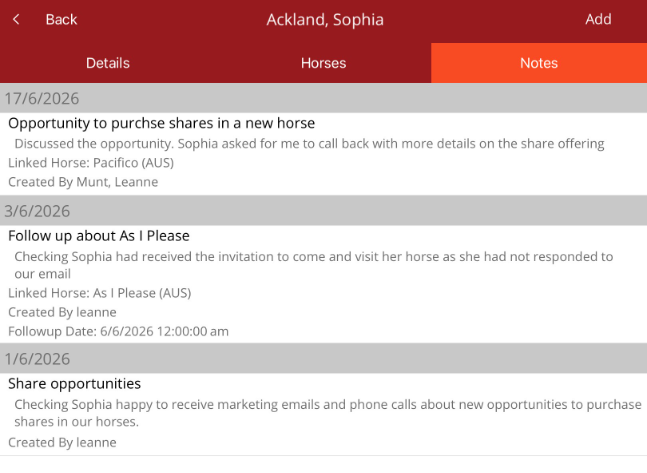
Under the Person profile, you can view and add notes to the person/entity. Notes are internal and stored against a person. The latest note will be visible in the Person profile.
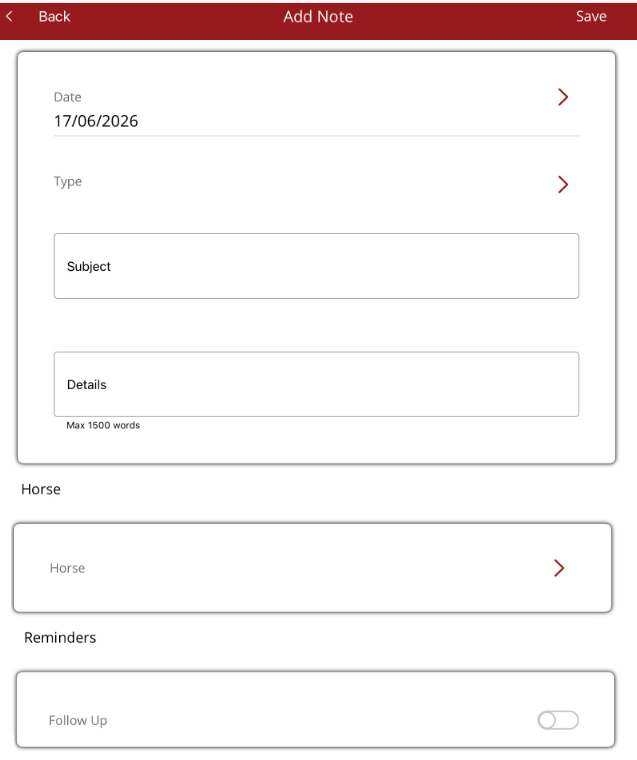
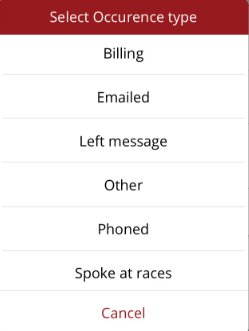
When the note is finished, select Save from the top right corner to save the note and return to the Notes tab.
 Editing or deleting a note
A note can be edited or deleted by tapping on the note. The Options menu will display. If Edit Note is selected, the Add note page will be displayed. Make the necessary changes then Save the changes and you will be returned to the list.
If Delete Note is selected, the note will be deleted and be removed from the list.