Setting a pin for log in
If you have not set a pin for logging into the mobile app, you will be prompted to add one once you enter the correct username and password. Setting a pin number allows the mobile app to be opened more quickly in future.
You can select Yes to add a pin now or select No and add the pin later from the app Home Page via Options/User profile.
If Yes is selected then you will be prompted to select a 4 digit pin. You will be notified of success, then redirected to the Home page of the app. You can now use the pin to login.

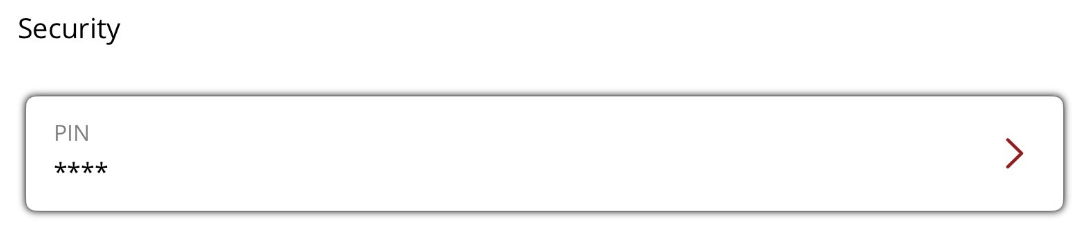
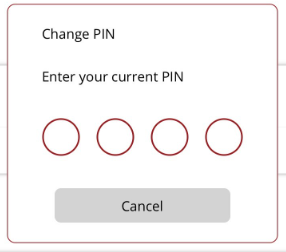
If you selected No or need to change the pin, go to Home Page Options/User profile and tap in the pin section at the bottom of the page. When changing the pin, you will need to know your current pin to change it.