People List Options menu
Add a new person as well as filtering and sorting the list
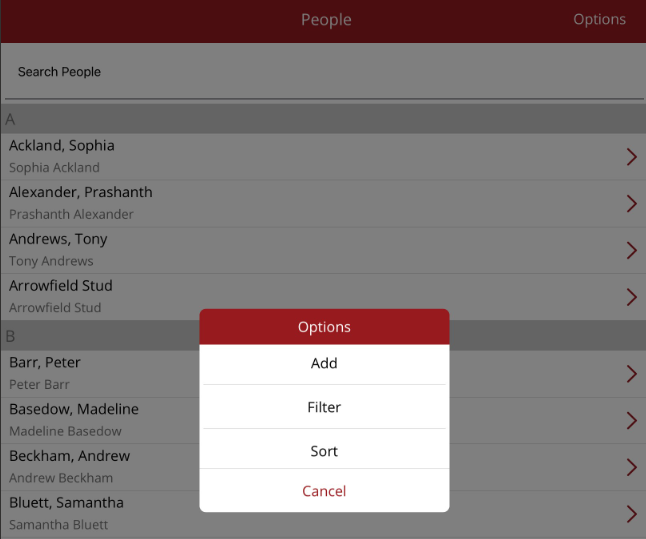
The Options menu on the People List allows you to:
- Add - add a new person or entity
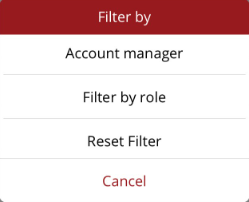
- Filter - filter the Person list by role or account manager
- Sort - change the way the list is sorted
Adding a new person/entity
To add a new person/entity, the follow is required
- First and last name and/or company name plus display name - mandatory
- Address
- Contact phone numbers
- Email and how communciations and statements need to be sent
- Person's role(s) - mandatory
- If the person is registered for GST/VAT and an internal note for the person
Filtering the person list
The list can be filtered by account manager or by role. Roles include owner, supplier, property,trainer, jockey, agent and practitioner.
Sorting the person list
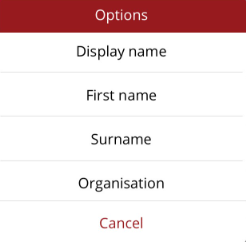
The list can be sorted by display name, first name, surname or organisation.