How to add a procedure to a horse or client
Toggle between horse and client procedures
When adding a procedure, you can choose to add it to a horse or a client. By default, procedures will be added to Horses. Select the toggle at the top of the Add procedure page to change to Client.

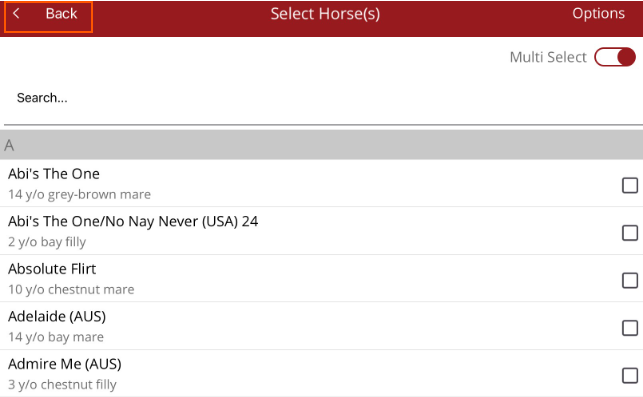
Tap on the horse/client name field in the Add Procedure screen and the horse/person list will be displayed. You can search for a horse/client at the top of the list. If you applied a filter previously, this filter will remain active.
If you need to select multiple horses or clients select the toggle at the top of the list. If multiple horse(s)/client(s) are selected, tap Back at the top left hand corner to return to the Add procedure screen.