People List
Displays a list of people, companies and other entities in the database
To access the People list select People on the bottom navigation menu. This allows you to add, search and view people and entities added to your database.
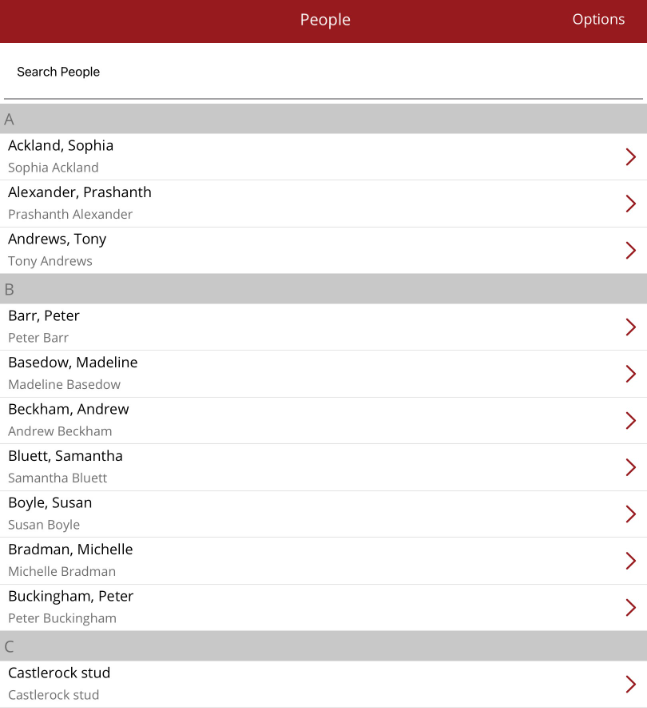
To search for a person/entity, begin typing a name in the Search People box at the top of the list. The list below will be reduced to match the search criteria. To start another search, remove the name by selecting the small x in the right hand side of the search bar.
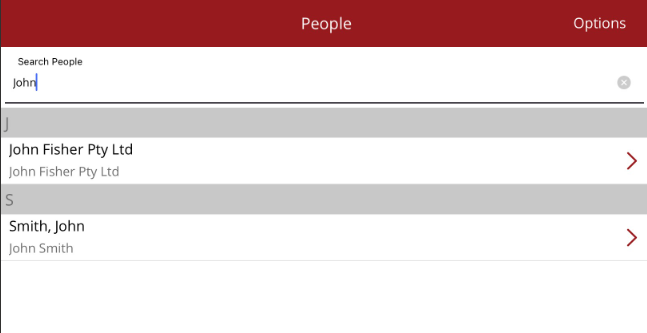
To view a Person profile, tap on the name.
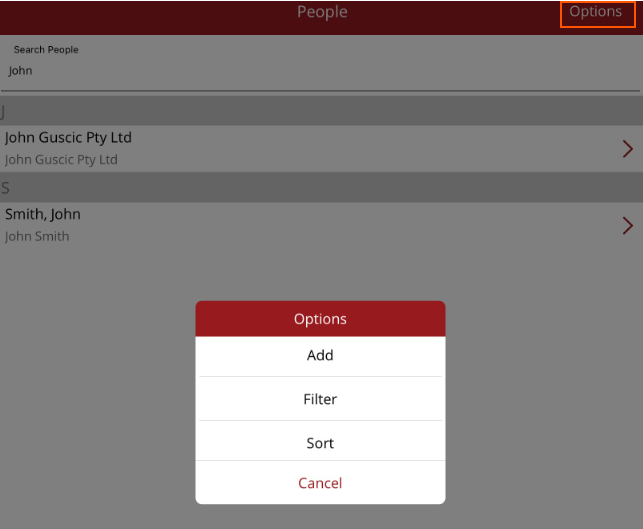
To add a new person/entity, filter or change the sort order for the list, select the Options menu from the top right of the screen.