Repro
Repro is found under Work on the Home Page and is used to manage and record reproductive exams for mares, including procedures, treatments, or medications before they are served. Continue to monitor the mare after she has been served using associated scans,
The work profile, work sections and work items need to be set up for your farm before this option can be used. Work is permission based. If you do not have access or would like to set up Repro on your database please contact Ardex Support.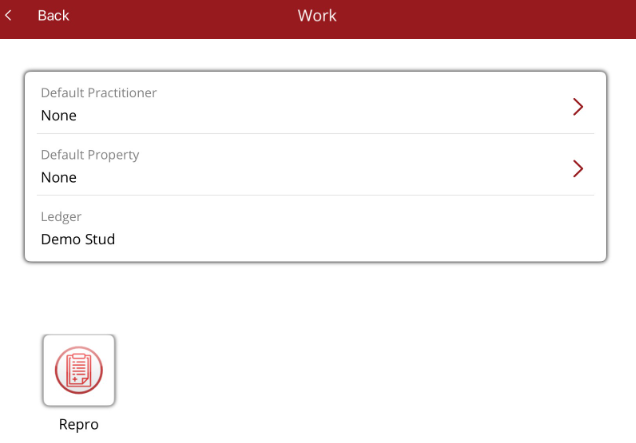
The Repro Mare list is displayed when Repro is selected from the Work option. The list is the same as on other work profiles with the same tabs and Option menu. The list will display different coloured tags for covered so you know the status for the current and previous season.
The way that work is assigned and managed on the Horse Profile Current tab for other work profiles is the same for Repro. There is additional information that can be accessed via the Current Work tab that is specific to Repro.
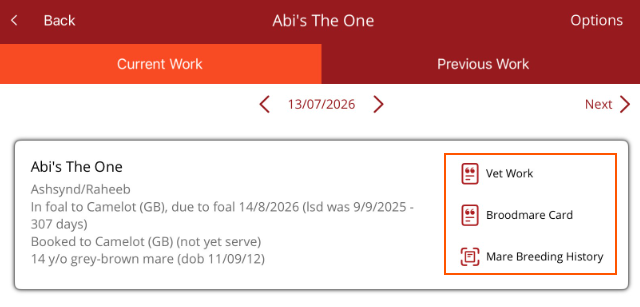
In the mare's details you can access
- Vet work - shows all work that has been done on a mare
- Broodmare Card - shows the Mare palpitations report
- Mare Breeding History - view the mare's service and breeding history
When tapped a follicle testing or handle ovaries procedure will be created. In the brackets the work item(s) selected and the section they are from will be displayed.
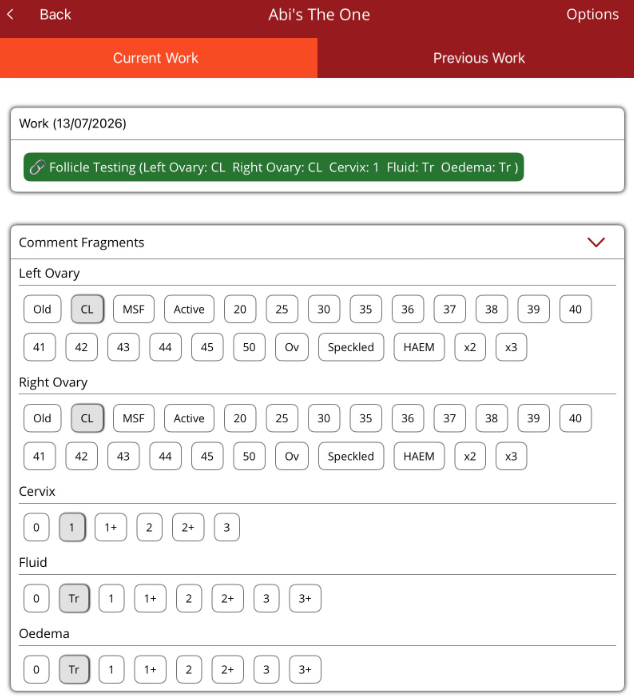
There will be other works sections and work items below this section. These are also customised to a database and can relate to scans, swabs, irrigation and treatments that are required as part of the mare's repro.
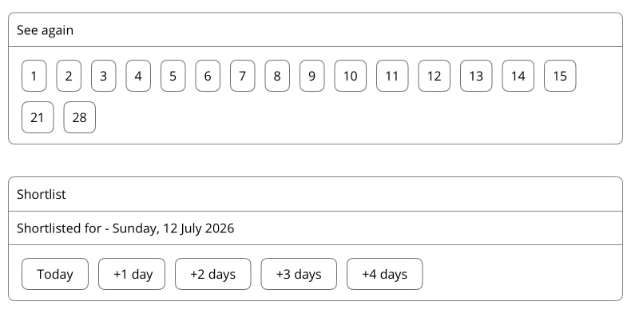
At the bottom of the work items you can
- Set a reminder to see the mare again
- Shortlist a mare to be served
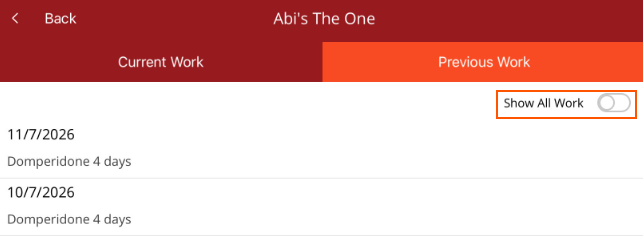
Previous work tab will show the history of the work done on a mare. There is a toggle at the top of the work that allows you to quickly switch between related work and all work.
- Related work (toggle off) - this means that only work that has been added via the Repro work profile will be displayed.
Note - If there has been work added in other work profiles, via Premier desktop or via Add procedure in the app it will not appear under related work. - Show all work (toggle on) - this will show all work added via Repro as well as work added via other work profiles, the Premier desktop or Add Procedure in the mobile app.