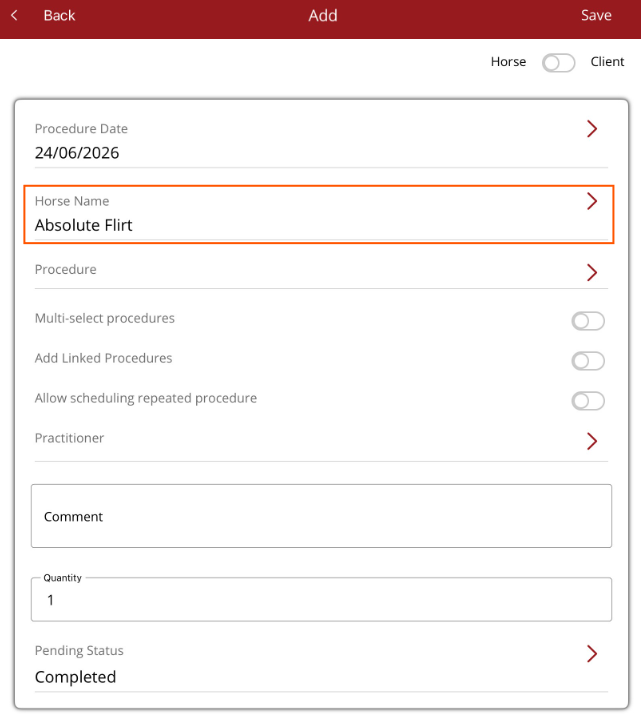
Quick Add - Procedure
Quickly add a procedure from anywhere in the app that the bottom navigation menu
The Quick Add menu is found on the bottom navigation menu. When Procedure is selected from the menu you can add a new procedure.
If the Quick add - Procedure screen is opened when in a horse profile, the horse's name will automatically be populated in the horse name field. Procedure details can then be added and saved.