How to update owner's details from the Horse profile page
View and update owner's details while in the horse profile owner tab
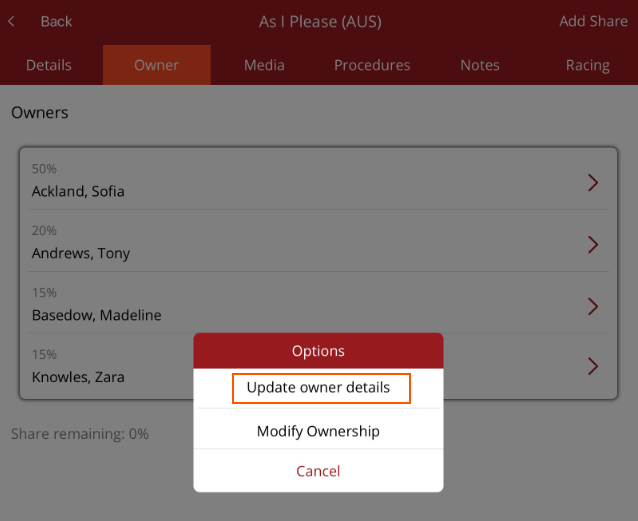
Under Horse/Horse Profile/Owner, the owner details can be viewed and updated.
Tap on the owner's name and select Update Owner Details from the Options menu.
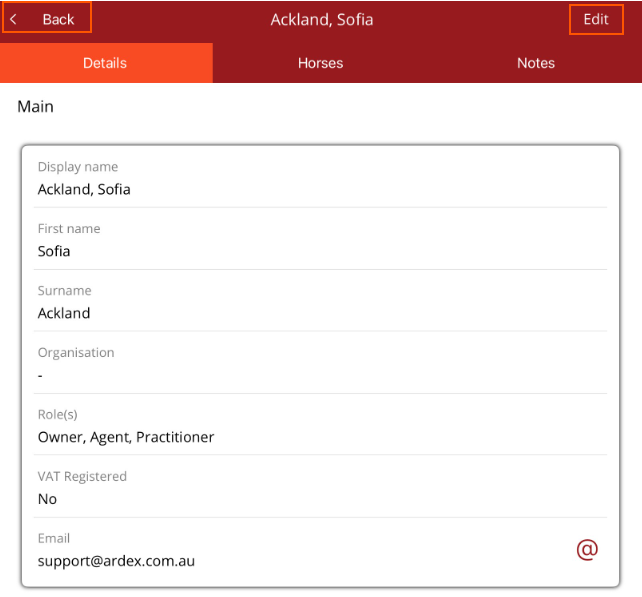
The owner's profile page will be displayed.
To edit the details select Edit from the top right hand corner, make the changes then select Save. Select < Back to return to the Horse Owner tab.