Horse Notes
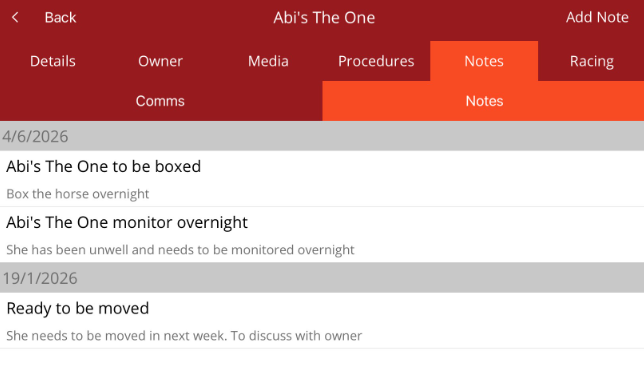
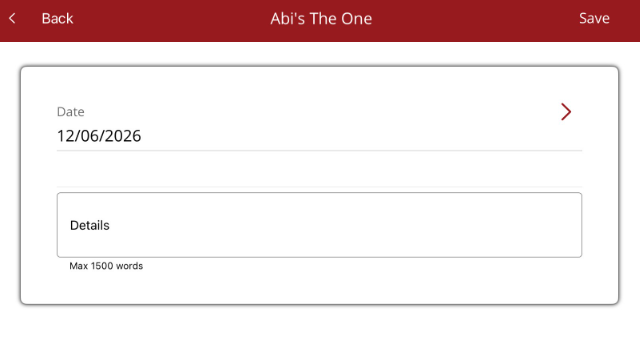
View communications and notes stored against a horse. Also add new notes to a horse
On the Horse profile, select the Notes tab. There are two tabs:
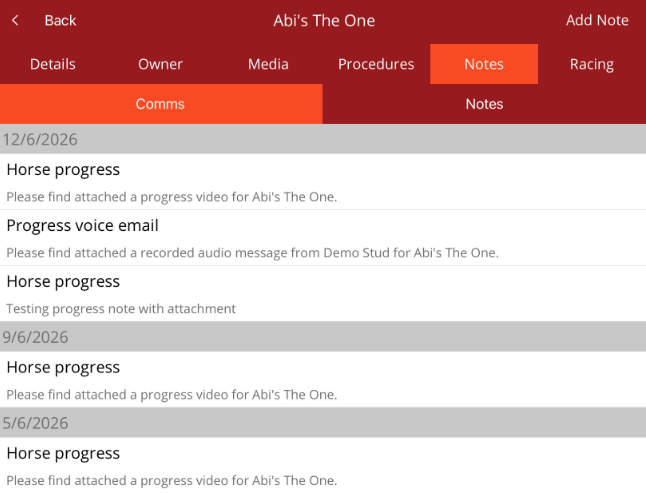
- Comms - communications sent out to owners for the horse
- Notes - internal notes created about the horse
 Comms
Comms
Displays the communications sent to owners for the horse.
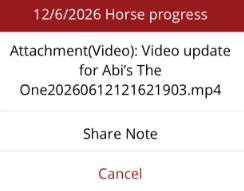
When the communication is tapped, a menu appears allowing you to share via various apps or to view/play the attachment.
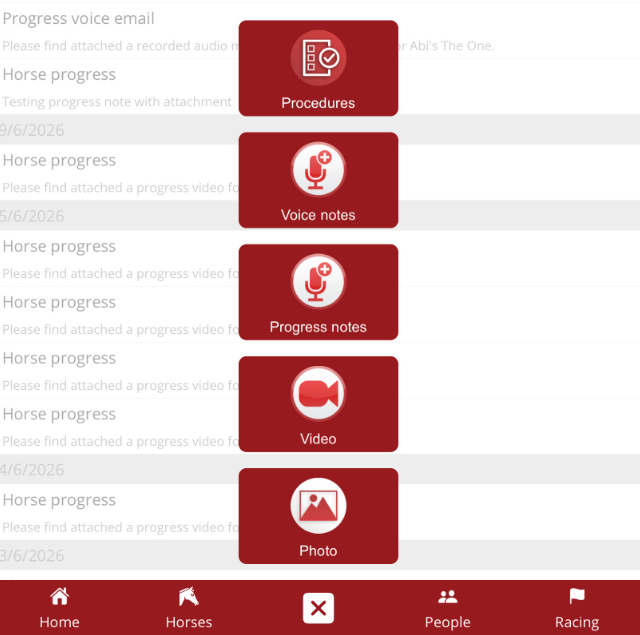
To add a new comminication for the horse, select the quick add menu from the bottom navigation menu. You can add a progress note, video update or voice progress note. The horse name will auto-populate. You can also take a photo, save and use later to attach to progress note. The photo will have to be uploaded from Media before it is available to attach to a communication.
Notes
Notes will list internal notes about the horse.