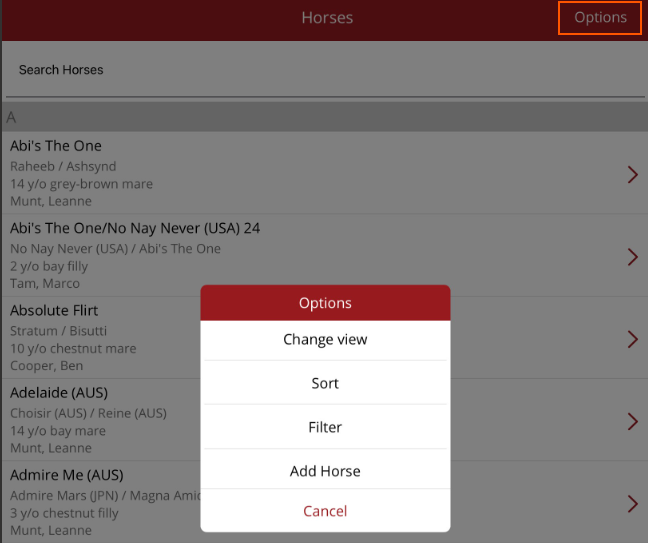
Horse List
View and add to the list of horses in your care
To access the Horses list press Horses on the bottom navigation menu. This allows you to view, modify and add new horses. When adding horses you can verify horse details to the Stud Book.
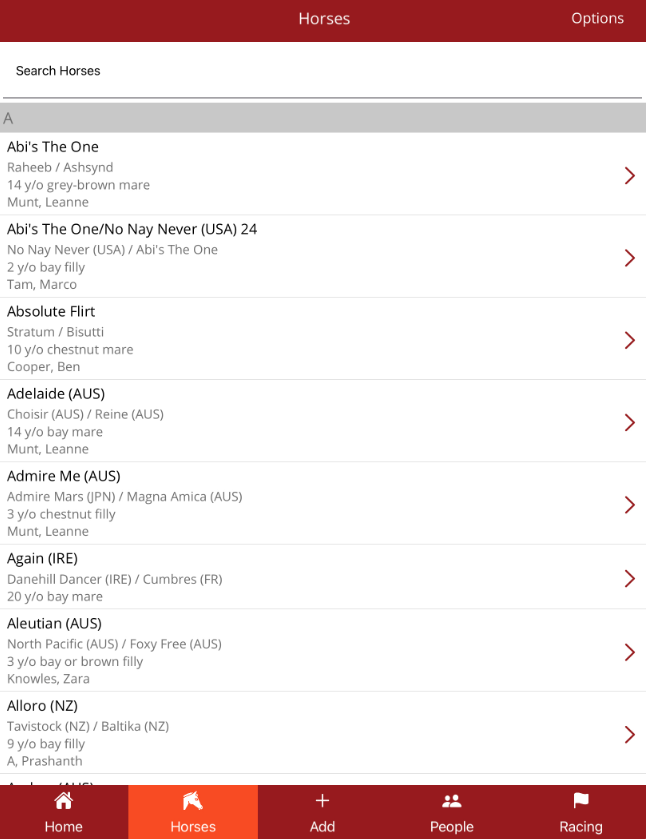
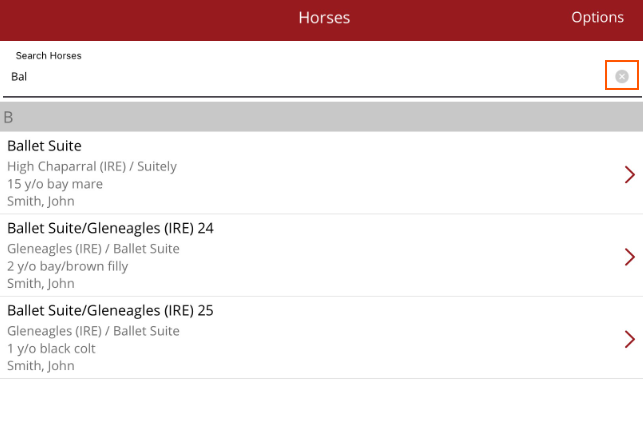
To search for a horse, begin typing a horse name in the Search Horses box at the top of the list. The horse list will reduce to only horses where the horse name or Sire/Dam name contains the text you have typed. To start another search, remove the horse's name by selecting the small x in the right hand side of the search bar.
To view a horse's profile, tap on the horse's name.