How to check if a horse has already been added
To check if a horse already exists in your database, go the Horses on the bottom navigation menu. In the Options menu on the top right hand side, select Add horse.
Start to type the horse name in and if it is already in the database, the horse name will appear in the list. If it does not appear then you can add the horse via a stubook search or manually.
This can also be useful if you have a filter on and do not want to reset the filter to search for a horse that does not fit your current filter criteria. All horses in the database will be brought back by the Add horse search even if they do not match your filter.
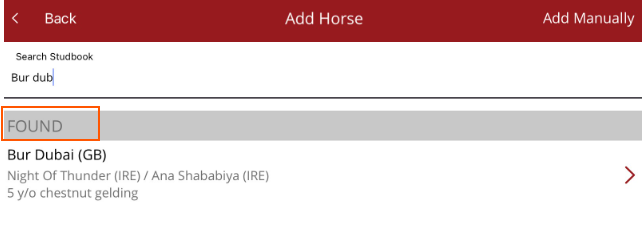
Always check if a horse is already in your database before adding it, creation of duplicate horse records creates confusion and data entry issues. So long as you add horses via Stud Book Search then you should be warned of possible duplications.