Recent media
Media recently uploaded to a horse
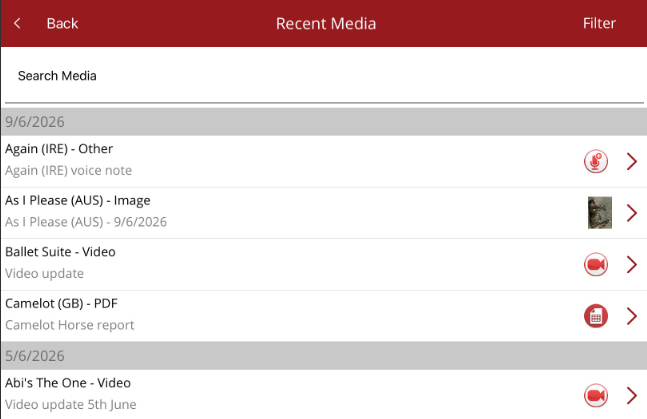
Recent media is under the Media option on the home page and will show all media including photos, videos, documents and voice notes recently uploaded against horses. Media saved on the app but not yet uploaded, will not appear. Upload is performed under the Media option.
The media list can be searched by horse, media type or media title.
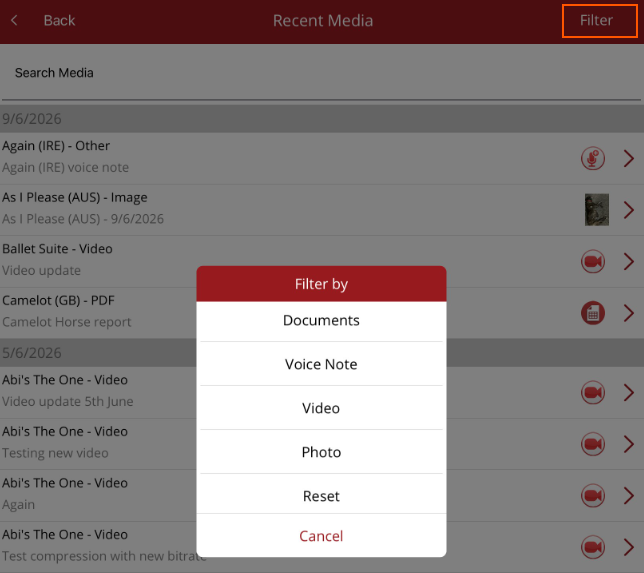
By selecting Filter in the top right corner, the list can be filtered by the Media type.
The different icons indicate the media type. When the media is tapped, the Options menu is displayed.
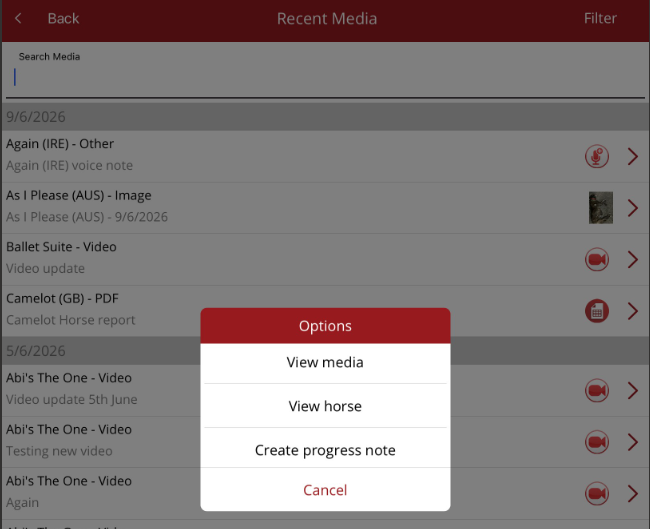
- View media - view or listen to the selected media file
- View horse - view the horse profile the media relates to, and related tabs
- Create progress note - create a horse update for the selected horse and attach the saved media.
- Cancel - close window and return to Recent Media list