Horse Profile Previous Work tab
View work previously performed on the horse. View related and all work
From the Work Profile Horse list, tap on a horse. The Horse Current Work tab will be displayed. Select Previous Work to see a history of work performed on a horse.
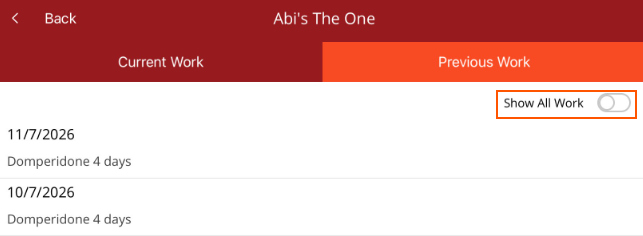
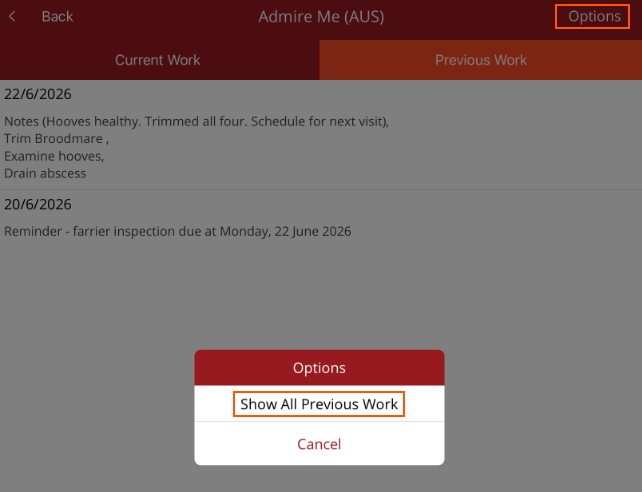
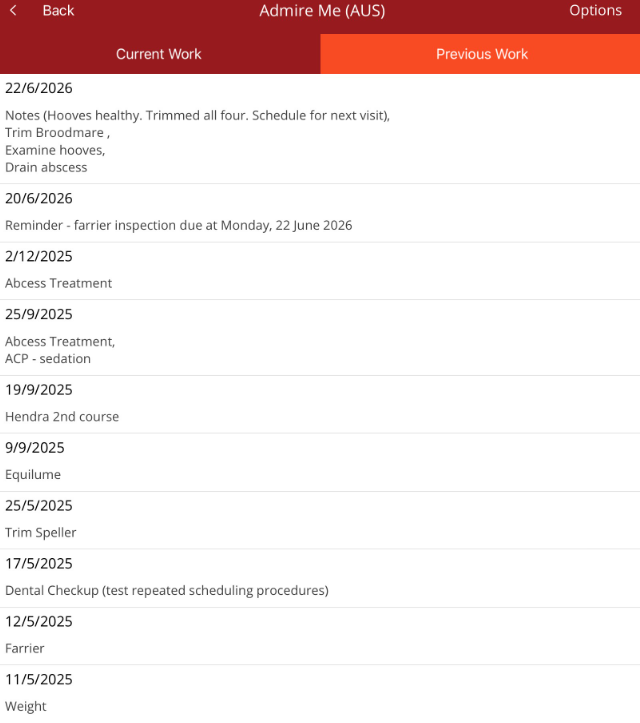
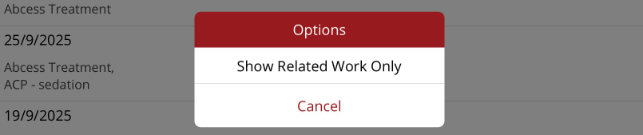
There is a toggle at the top of the work that allows you to quickly switch between related work and all work.
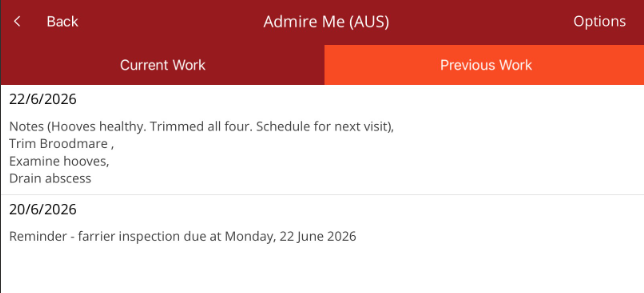
- Related work (toggle off) - this will only show work that has been added via the work profile that you are working in. When a work item or reminder is selected within the work profile, the work will be displayed in the related work list.
Note - Even if a procedure has been added to the horse that relates to the work profile, this will not appear in the related work for the horse as it was not done via the work profile. e.g. a farrier procedure is entered via Add Procedure in the app. It will not appear under related work in the Farrier Previous work tab. - Show all work (toggle on)- this will show all work added via the work profile as well as work added via other work profiles, the Premier desktop or Add Procedure in the mobile app.
To switch between the two lists, go to Options in the top right hand corner and select the relevant list.